How to call directly to voicemail
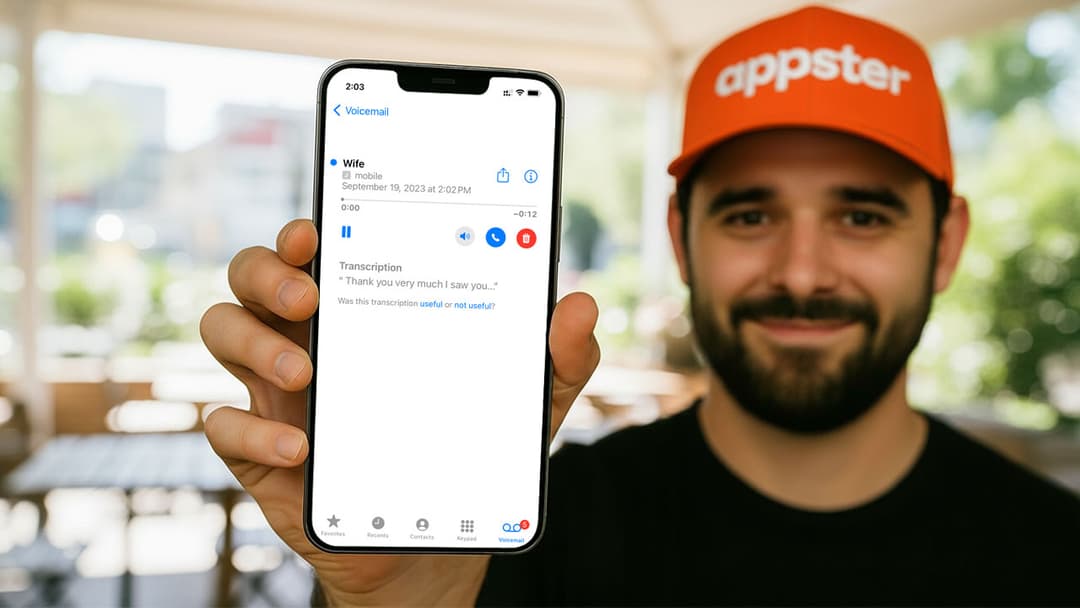
Have you ever wanted to leave someone a message without actually ringing their phone? Whether you're avoiding an awkward conversation or simply want to leave a quick update, knowing how to call directly to voicemail can be a handy trick. This guide will show you several easy methods to skip the ring and go straight to voicemail.
Why call straight to voicemail?
There are many valid reasons to send a call straight to voicemail:
- You don't want to disturb the recipient.
- You need to leave a detailed message but can't talk.
- You're in a hurry and don't have time for a conversation.
- You're handling a sensitive matter and prefer not to talk directly.
Methods to call directly to voicemail
Here are the most effective ways to reach someone's voicemail without their phone ringing:
1. Use a voicemail service app (like Slydial)
Slydial is a popular app in the U.S. that lets you dial directly into a person's voicemail. It works with most U.S. mobile carriers.
Steps:
- Download the Slydial app from the App Store or Google Play.
- Open the app and create an account.
- Dial 267-SLYDIAL (267-759-3425).
- When prompted, enter the 10-digit mobile number of the person you want to reach.
- You'll be routed directly to their voicemail box.
2. Use your carrier's voicemail shortcut (if available)
Some carriers provide special codes or methods to leave a voicemail without calling directly. These options vary by region and provider.
Examples:
- Verizon: Dial your own number, press
*during the greeting, then enter the recipient's number. - AT&T: Use visual voicemail or try dialing your voicemail and forwarding the message.
- T-Mobile: Some voicemail apps allow voicemail forwarding or voice message options.
Contact your carrier to confirm if this feature is available.
3. Use Do Not Disturb or Airplane Mode trick (less reliable)
If you and the recipient both use iPhones, and the recipient has "Do Not Disturb" or their phone is off, your call may go directly to voicemail. You can time your call for when you think their phone might be unavailable.
However, this method isn't foolproof and doesn’t guarantee success.
4. Call from a blocked or unknown number (in specific cases)
Some phones are configured to send blocked or private numbers straight to voicemail. This is a bit of a workaround and highly depends on how the recipient's phone settings are configured.
To block your number:
- Dial
*67before the number (U.S. and Canada).
Note: Use this method responsibly.
Tips for leaving a professional voicemail
- Keep your message concise and to the point.
- Mention your name and callback number at the start and end.
- Speak clearly and confidently.
- Avoid rambling or overexplaining.
While there are several ways to leave a voicemail without ringing someone's phone, always use these methods respectfully. If your intention is professional, courteous communication, these tools can be incredibly useful.