How to see recently deleted apps on Android
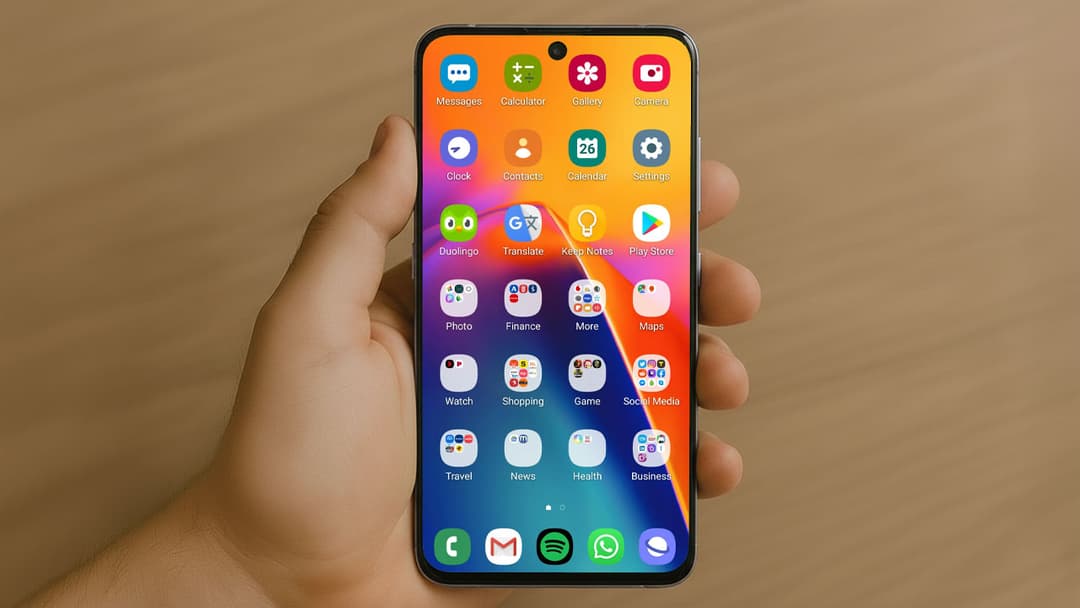
Accidentally deleted an app on your Android phone? Don't worry, it happens to the best of us. Whether you’re trying to recover a lost favorite or just curious about your app history, this guide will show you exactly how to see recently deleted apps on Android quickly and easily.
Why would you want to check recently deleted apps?
There are several reasons why you might want to find recently deleted Android apps:
- You accidentally removed an app and want it back.
- You want to reinstall an app you used in the past.
- You're troubleshooting an issue and checking which apps were removed.
- You’re monitoring app usage for children or shared devices.
Thankfully, Android keeps a log of your downloaded apps linked to your Google account, which makes recovery simple.
How to see recently deleted apps on Android (step-by-step)
Here’s how to find deleted apps using the Google Play Store:
1. Open the Google Play Store
- Locate the Play Store icon on your home screen or app drawer and tap to open it.
2. Tap on your profile icon
- It’s located in the top-right corner of the Play Store.
3. Select "Manage apps & device"
- This opens a menu with app management options.
4. Go to the "Manage" tab
- You’ll see a list of installed apps.
5. Tap the filter button and choose "Not installed"
- This reveals all the apps previously installed on your device but not currently installed.
6. Sort by "Recently added"
- This will show you the most recently deleted or uninstalled apps at the top.
Now you can easily reinstall any app from the list with a single tap.
Alternative methods to find deleted apps
If you’re not seeing your deleted apps in the Play Store, try these:
Check your Google Play library on the web
- Visit play.google.com and log in.
- Go to "My Apps" > "Library" to see all past installations.
Use device backup (if enabled)
- If your device was backed up recently, restoring from a backup can bring back apps you deleted.
App usage history (limited availability)
- Some Android phones have settings or digital wellbeing tools that track app usage history, including uninstall events.
Tips to avoid losing track of your apps again
- Enable app sync in Google Play to keep a record tied to your Google account.
- Use folders or organize apps on your home screen so they’re easier to find.
- Regularly review your apps to avoid accidental deletions.
FAQ
Can I recover deleted apps without Google Play?
If you downloaded the app from outside the Play Store (APK or third-party store), you’ll need to reinstall it manually using the same source.
Does clearing data delete my app history?
No. App history is stored in your Google account, not on-device. Clearing app data won’t affect your Play Store history.
Can I see the exact time I deleted an app?
Not directly in the Play Store, but usage tracking apps or digital wellbeing tools might show when the app was last used or uninstalled.
Are app data and settings restored when I reinstall?
Some apps, especially those linked to a cloud account, restore data. Others may start fresh unless backed up.