How do you find out your WhatsApp number
If you're wondering "how do you find out your WhatsApp number?"—you're not alone. Whether you've recently changed phones, installed WhatsApp on a new device, or simply forgot which number you're using, we’ve got you covered. In this guide, you’ll find step-by-step instructions to quickly locate your WhatsApp number, plus answers to related questions like how to verify your number, how to change it, and how to check if your number is active.
How to find your WhatsApp number (Step-by-Step)
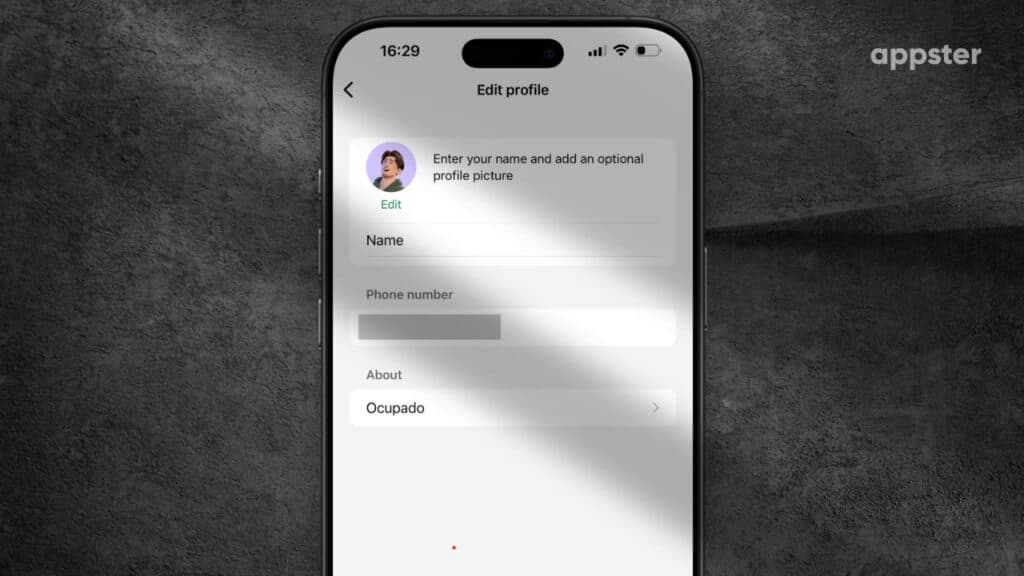
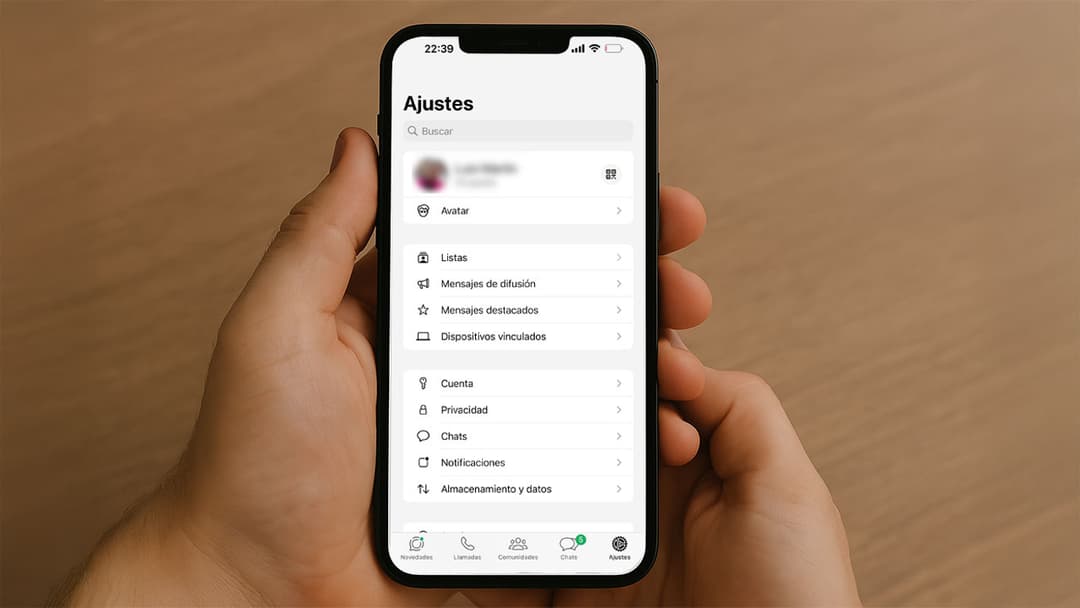
Here’s how to check what phone number is associated with your WhatsApp account:
- Open WhatsApp on your smartphone.
- Tap the three-dot menu (top-right corner on Android) or Settings (bottom right on iPhone).
- Select Settings if you’re on Android.
- Tap on your profile name or photo at the top.
- You’ll see your WhatsApp phone number listed under Phone.
That’s it! You now know exactly which number is tied to your WhatsApp account.
Why you might need to check your WhatsApp number
There are a few reasons why someone might need to double-check their number:
- You're using a new SIM card or device
- You forgot which number you signed up with
- You're managing multiple phone numbers
- You're troubleshooting issues with verification
Whatever the reason, finding your WhatsApp number is fast and easy if you follow the steps above.