How to know if an android blocked you on iPhone
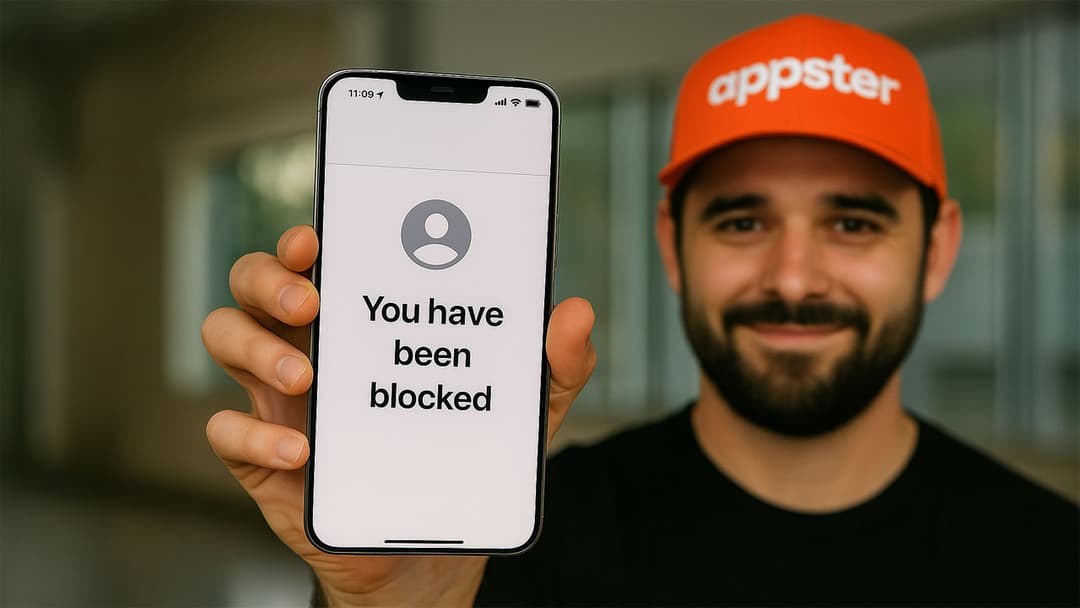
Wondering if your texts or calls are being ignored, or if you've been blocked by someone with an Android phone? iPhone and Android interactions can sometimes be tricky to navigate, especially when it comes to figuring out if you've been blocked. Here’s a clear guide to help you understand the signs and confirm if an Android user has blocked your number from their device.
Signs that an Android phone has blocked your iPhone
When an Android user blocks your iPhone number, several noticeable indicators will occur:
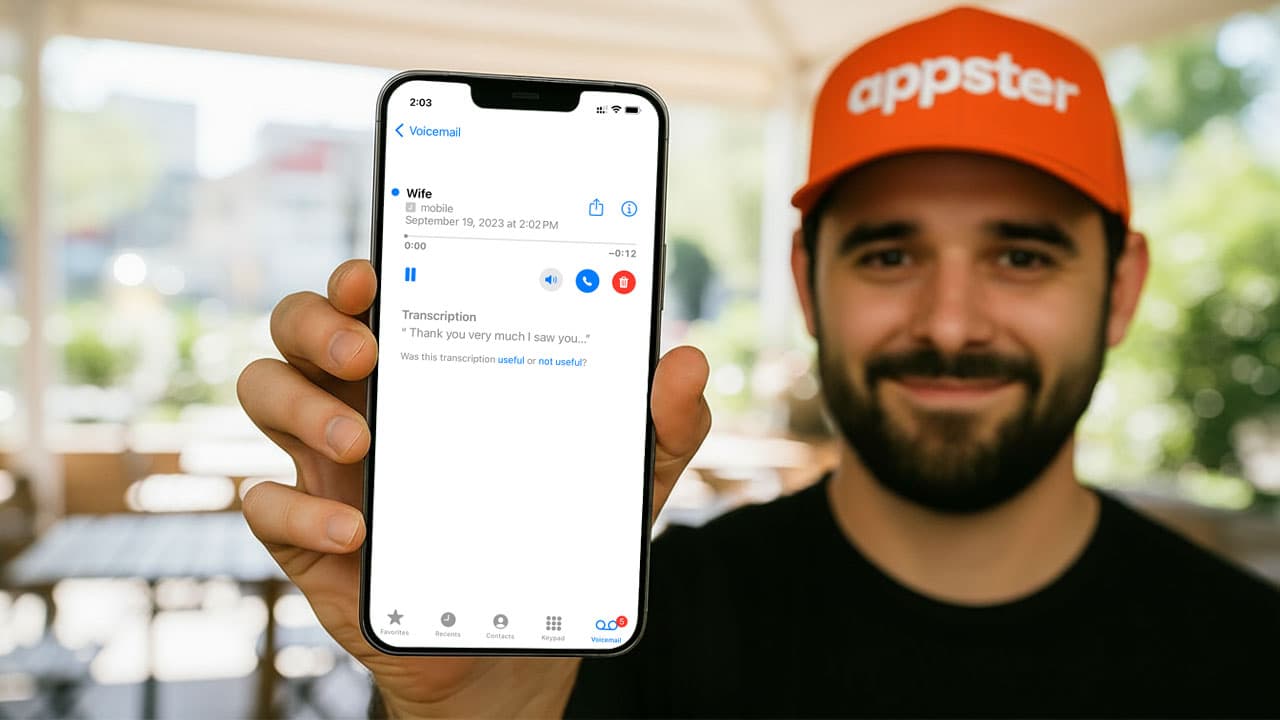
1. Calls immediately go to voicemail
One of the most telling signs is when your calls consistently go straight to voicemail after just one ring or even immediately without ringing. While this could occasionally indicate the phone is off or in "Do Not Disturb" mode, repeated occurrences strongly suggest your number has been blocked.
2. Text messages aren't delivered
Unlike iMessage (iPhone-to-iPhone communication), regular SMS between an Android and iPhone doesn’t provide read receipts or explicit delivery notifications. However, persistent non-responsiveness—especially when combined with calls being sent directly to voicemail—is another sign you might be blocked.
3. No notifications from messaging apps
If you use messaging apps such as WhatsApp or Telegram, you may notice your messages remain on one check mark (indicating sent but not delivered), or your calls within these apps fail without ringing.
4. No visibility of status or profile updates
On platforms like WhatsApp, if you previously saw profile pictures, statuses, or last-seen details and suddenly these details disappear, you may have been blocked.
Step-by-step guide to confirm if an Android user blocked you
To verify your suspicion clearly, follow these steps:
Step 1: Call from another phone
Call the suspected Android number from a different phone. If it rings normally or they answer, but calls from your iPhone still go directly to voicemail, you have likely been blocked.
Step 2: Use messaging apps to confirm
Try contacting the person through another app or platform. If your messages there also remain undelivered or you notice restricted visibility, this further confirms your suspicion.
Step 3: Observe changes over time
If you're unsure, try contacting them again after a few days. A persistent lack of delivery and communication strongly points to a block.
What to do if you’re blocked?
If you find out you've been blocked, respect the decision of the person who blocked you. If the blockage seems unexpected or accidental, consider contacting them via another platform to politely clarify the situation.